🎉 Up to 70% Off Selected ItemsShop Sale

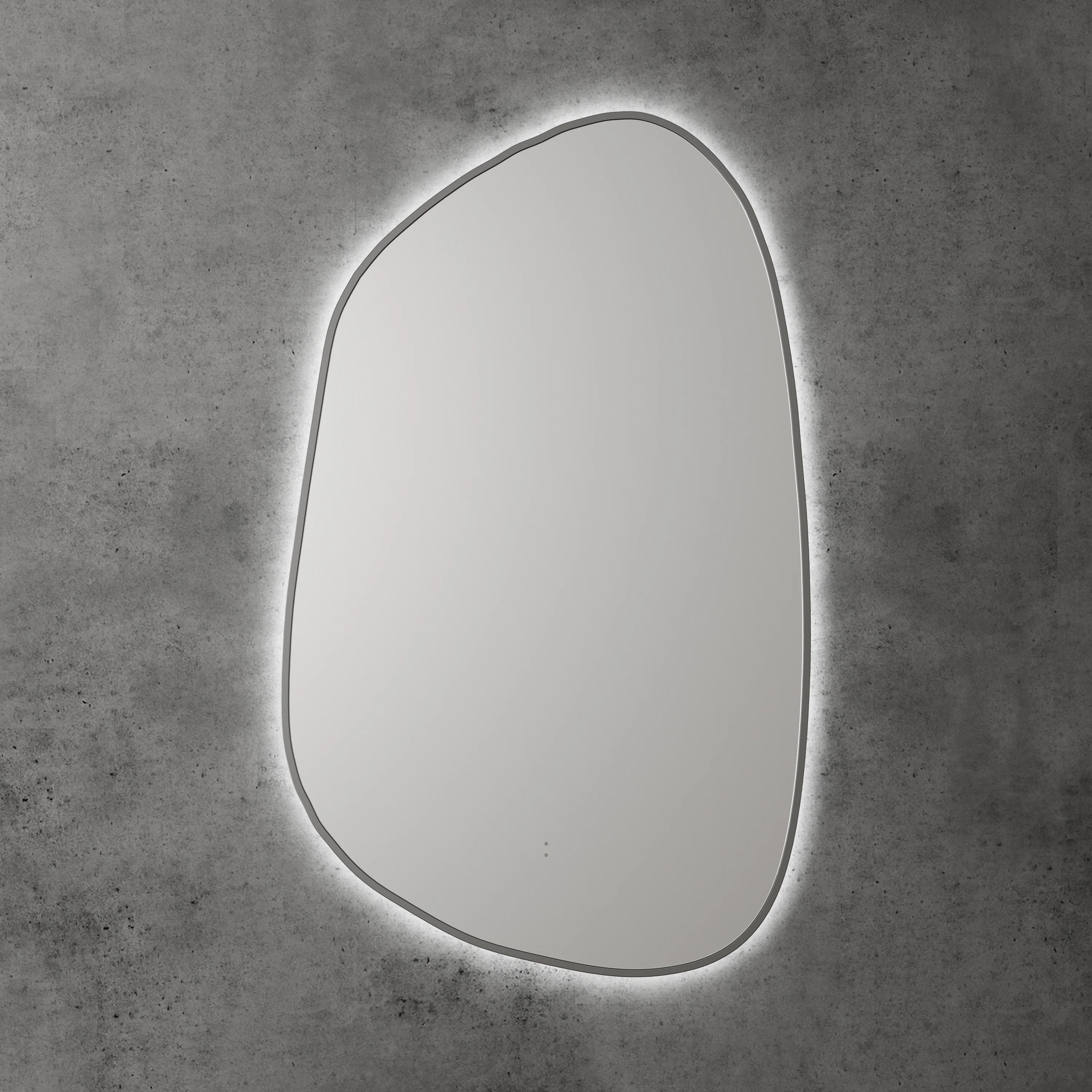
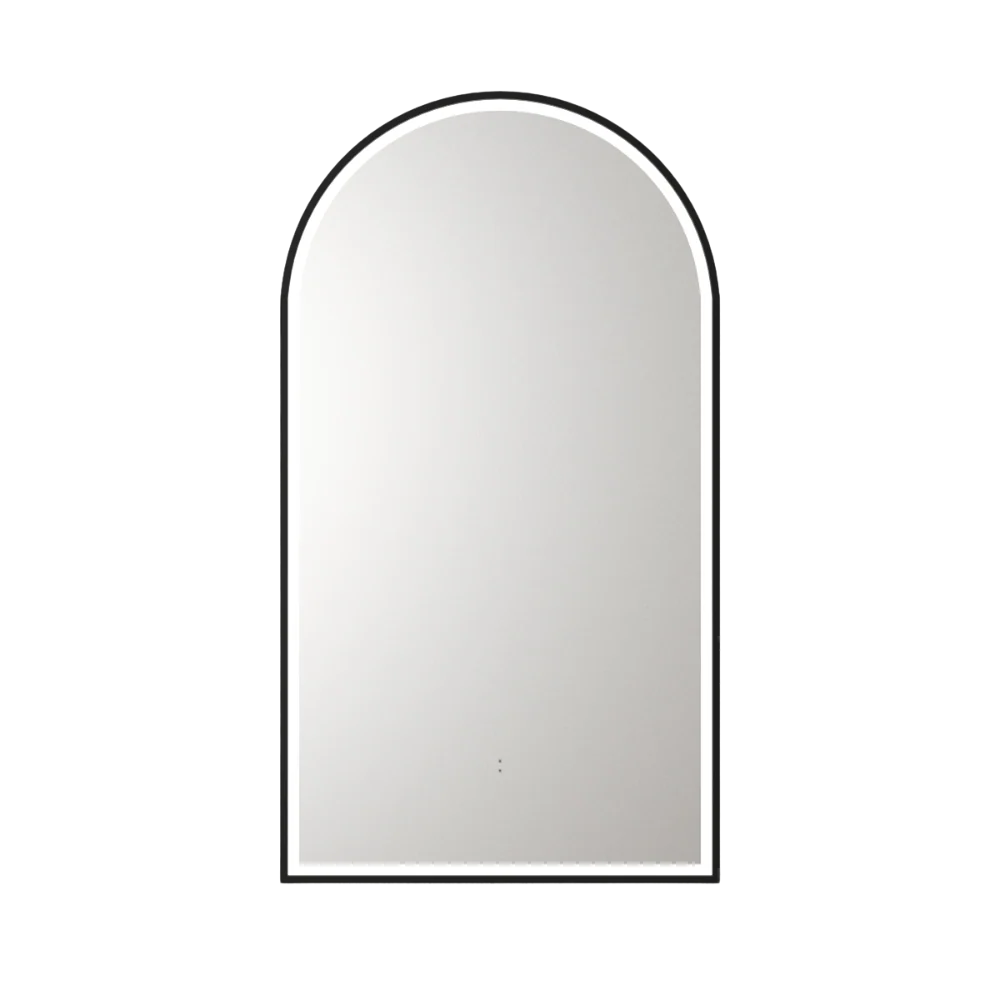
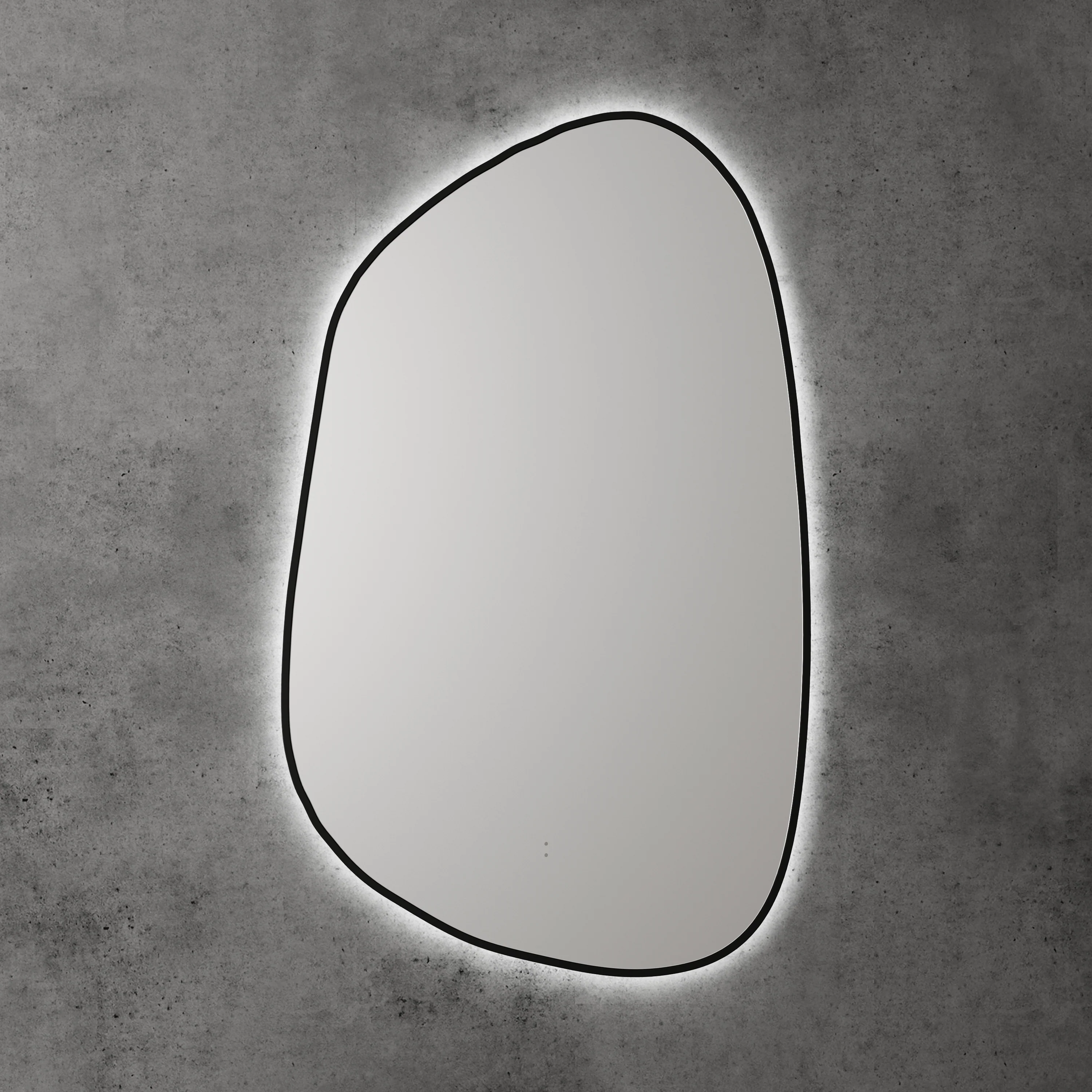
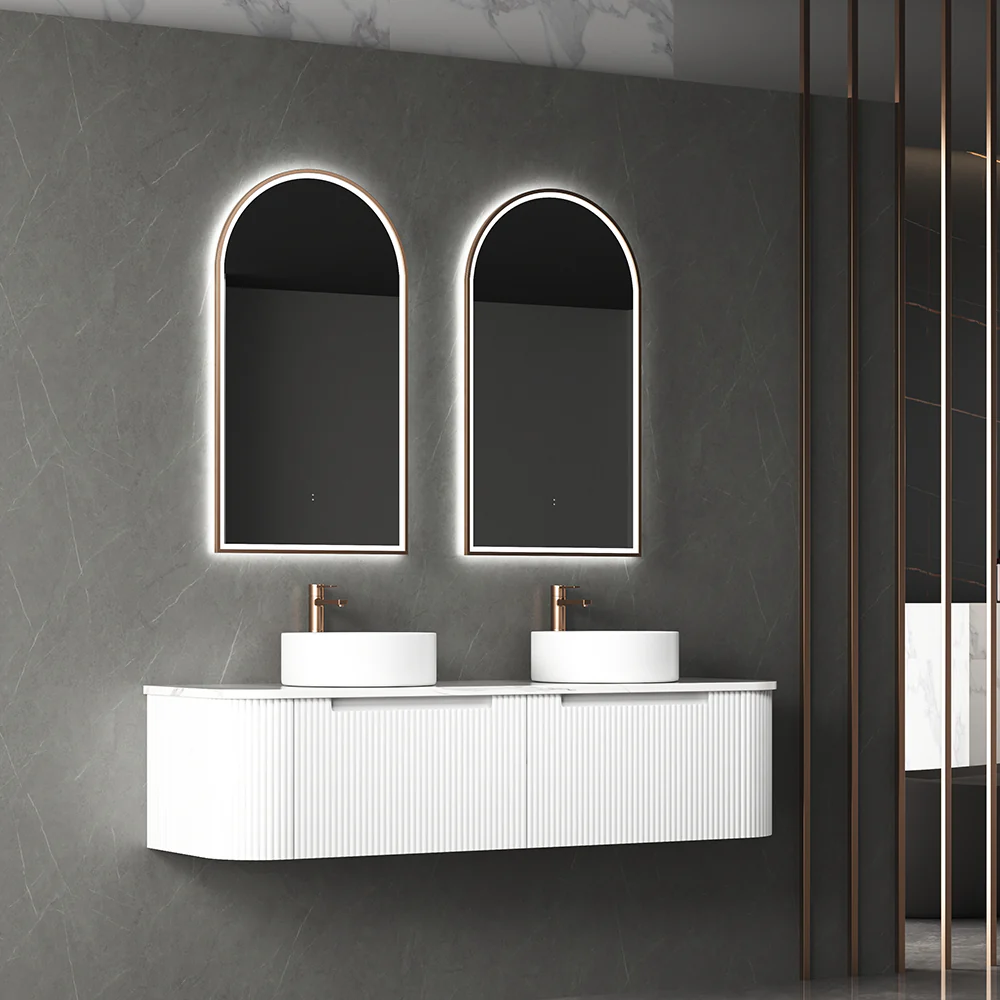
Otti LED Noosa 1800mm White Metal Frame Mirror Install Horizontal or Vertical
Size 1800(H)x750(W)mm
Features
- Wall Mounted with brackets (Vertically or horizontally)
- Anti-fog + 5mm Copper-free mirror With Acrylic Frame
- Motion sensor On&Off LED Light
- LED light strip
- Adjustable colour temperature (6000, 4000 or 3000K)
- Wattage 40W
- Voltage 170-265V
- IP 44rating
- SAA Approved
- Plugin
- Includes Wall Mounted Brackets & Fittings
How to Use:-
Push Button:
- Turn On: Press the button.
- Select Light Colour: Choose between Cool/Day or Warm.
- Turn Off: Hold the button until it turns off.
Motion Sensor:
- Turn On: Press the button.
- Select Light Colour: Choose between Cool/Day or Warm.
- Activate Motion Sensor: Leave the light on the preferred light colour.
- The button should now turn Blue and your motion sensor is now on.
- Test Sensor: Wave your hand in front of the sensor to test if it's active.
Product Information
Product Information
Shipping & Returns
Shipping & Returns


Otti LED Noosa 1800mm White Metal Frame Mirror Install Horizontal or Vertical
Otti LED Noosa 1800mm White Metal Frame Mirror Install Horizontal or Vertical
Size 1800(H)x750(W)mm
Features
- Wall Mounted with brackets (Vertically or horizontally)
- Anti-fog + 5mm Copper-free mirror With Acrylic Frame
- Motion sensor On&Off LED Light
- LED light strip
- Adjustable colour temperature (6000, 4000 or 3000K)
- Wattage 40W
- Voltage 170-265V
- IP 44rating
- SAA Approved
- Plugin
- Includes Wall Mounted Brackets & Fittings
How to Use:-
Push Button:
- Turn On: Press the button.
- Select Light Colour: Choose between Cool/Day or Warm.
- Turn Off: Hold the button until it turns off.
Motion Sensor:
- Turn On: Press the button.
- Select Light Colour: Choose between Cool/Day or Warm.
- Activate Motion Sensor: Leave the light on the preferred light colour.
- The button should now turn Blue and your motion sensor is now on.
- Test Sensor: Wave your hand in front of the sensor to test if it's active.
$166.76
Original: $555.88
-70%Otti LED Noosa 1800mm White Metal Frame Mirror Install Horizontal or Vertical—
$555.88
$166.76Product Information
Product Information
Shipping & Returns
Shipping & Returns
Description
Size 1800(H)x750(W)mm
Features
- Wall Mounted with brackets (Vertically or horizontally)
- Anti-fog + 5mm Copper-free mirror With Acrylic Frame
- Motion sensor On&Off LED Light
- LED light strip
- Adjustable colour temperature (6000, 4000 or 3000K)
- Wattage 40W
- Voltage 170-265V
- IP 44rating
- SAA Approved
- Plugin
- Includes Wall Mounted Brackets & Fittings
How to Use:-
Push Button:
- Turn On: Press the button.
- Select Light Colour: Choose between Cool/Day or Warm.
- Turn Off: Hold the button until it turns off.
Motion Sensor:
- Turn On: Press the button.
- Select Light Colour: Choose between Cool/Day or Warm.
- Activate Motion Sensor: Leave the light on the preferred light colour.
- The button should now turn Blue and your motion sensor is now on.
- Test Sensor: Wave your hand in front of the sensor to test if it's active.